How to Make Fancy Text for Bios and Posts
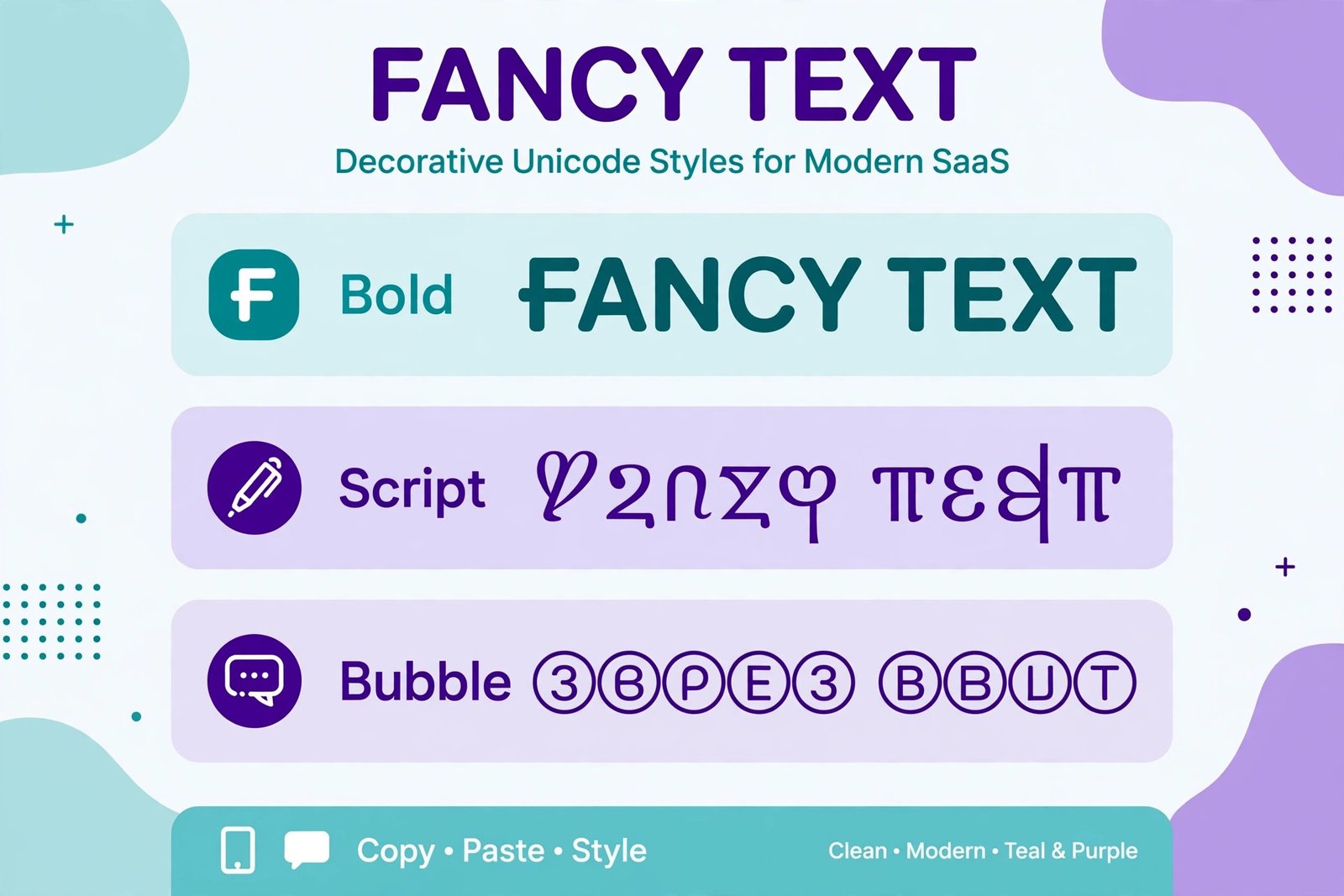
To make fancy text, type your words into a fancy text generator, pick a Unicode style such as bold, script or monospace, and copy and paste the result into your bio or post. Fancy text works because it swaps ordinary letters for decorative Unicode characters that look styled, not because it changes the font. Use it sparingly — one styled line in a bio or a short headline in a post — and always preview it on your phone before publishing.
On this page
Quick answer: To make fancy text, type your words into a fancy text generator, pick a Unicode style such as bold, script or monospace, and copy and paste the result into your bio or post. Fancy text works because it swaps ordinary letters for decorative Unicode characters that look styled, not because it changes the font. Use it sparingly — one styled line in a bio or a short headline in a post — and always preview it on your phone before publishing.
What fancy text actually is
Fancy text looks like a font change, but it is not one. When you bold text in a word processor, the letters stay the same characters and a formatting instruction tells the screen to draw them thicker. Fancy text does something different: it replaces each ordinary letter with a different Unicode character that was designed to look bold, italic, script-like or circled. Take the letter A. Ordinary A is Unicode code point U+0041. Mathematical bold capital A, 𝐀, is U+1D400. Mathematical script capital A, 𝒜, is U+1D49C. They are separate characters that happen to look like styled versions of A, and they live in the Mathematical Alphanumeric Symbols block (U+1D400–U+1D7FF), documented in the Unicode Consortium's official code chart. Other styles borrow characters from elsewhere in Unicode: circled letters come from the Enclosed Alphanumerics block, fullwidth letters come from a block originally designed for East Asian typography, and small-cap effects are built from modifier letters. That distinction explains almost everything else in this guide. Because fancy text is plain text made of unusual characters, it can travel anywhere plain text can go — a bio, a comment, a chat message — without needing a font installed. It also explains why it sometimes breaks: any system that does not recognise those characters, or that treats them as something other than ordinary letters, will show boxes, read them aloud strangely, or fail to match them in a search. This is also what makes fancy text different from changing text case. Case tools rearrange capital and lowercase versions of the same letters (Title Case, camelCase, snake_case). Fancy text replaces the letters themselves with decorative Unicode symbols. The two techniques solve different problems and are not interchangeable.
How to make fancy text in four steps
- Write your plain text first. Draft the bio line or post headline in ordinary letters, and check the spelling and meaning before styling anything. Styling first and editing later is a recipe for re-doing the work.
- Paste it into a fancy text generator. A generator maps each letter to its decorative counterpart instantly, so you do not have to hunt for individual symbols.
- Pick one style, not five. Scroll through the styles and choose the one that still reads clearly at small sizes on a phone screen. Bold sans and monospace survive small screens best; thin script and heavily decorated styles often do not.
- Copy, paste and preview. Paste the result into the app, then look at it on your phone — not just on a desktop browser — and on a second device if you can. Check that every character renders, that nothing turned into a box (□) or a question mark, and that the line still fits the character limit. That preview step matters more than the styling step. A bio that looks perfect in the generator can look broken in the app, because each app uses its own fonts and its own rendering rules.
Which styles work where
Not every style behaves the same everywhere. The table below is a practical starting point, but always test your exact text in the exact app before you rely on it.
| Style | Example | Best for | Note |
|---|---|---|---|
| Bold sans | 𝗗𝗿𝗲𝗮𝗺 | Best for bio headlines, post hooks | Can look heavy in long sentences. |
| Script | 𝒟𝓇𝑒𝒶𝓂 | Best for short names, romantic or elegant bios | Hard to read at small sizes; some letters look alike. |
| Monospace | 𝙳𝚛𝚎𝚊𝚖 | Best for tech, coding or gaming bios | Takes up more width, so lines wrap sooner. |
| Circled | Ⓓⓡⓔⓐⓜ | Best for playful labels, short words | Very hard to read in sentences. |
| Double-struck | 𝔻𝕣𝕖𝕒𝕞 | Best for stand-out single words | Some characters may be missing on older devices. |
| Small caps | ᴅʀᴇᴀᴍ | Best for subtle, quiet emphasis | Not a true case change; some letters have no small-cap form. |
Instagram bio
Instagram bios accept Unicode characters, and a single styled line — your name, your niche, or a short slogan — is the classic use case. Instagram bios are limited to 150 characters, and fancy characters still count toward that limit, sometimes more than you expect, so keep the styled portion short and leave the rest of the bio in plain text. Put the important facts (what you do, where you are, your link) in plain text, because that is the part people need to read quickly and the part that search can match.
WhatsApp accepts pasted Unicode text in messages, group names and your About line. Note that WhatsApp also has its own built-in formatting — asterisks for bold, underscores for italic — which only works inside WhatsApp. Pasted Unicode styles, by contrast, travel with the message wherever it is copied, but they also cannot be switched off by the reader. For everyday chats, plain text plus WhatsApp's own formatting is usually the kinder choice; save Unicode styles for a display name or a one-off announcement.
Discord
Discord messages, channel topics and server nicknames accept Unicode text. Bold sans and monospace styles fit Discord's gaming and tech culture well, and monospace in particular echoes code. Discord also has its own Markdown formatting (bold, italic, code), which is cleaner for long messages because screen readers and search inside Discord handle ordinary letters better. Use Unicode styles for a nickname or a short announcement, not for a paragraph people need to read.
TikTok
TikTok bios are short — 80 characters — so every character counts twice over: once for the limit, and once for readability on a small profile screen. A two- or three-word styled phrase works; a fully styled bio does not. The same applies to video captions, where the first line does the work of stopping the scroll. Keep the hook short and styled if you like, and write the details, hashtags and call to action in plain text.
X (formerly Twitter)
X display names (50 characters) and bios (160 characters) both accept Unicode styles, and a styled display name is a common way to stand out in replies. Post text accepts them too, but here readability and search matter more: people search X for ordinary words, and a post written entirely in mathematical bold letters will not match a plain-text search for the same word as reliably. Style the name or the hook; write the substance plainly.
Where fancy text breaks
Screen readers and accessibility
This is the most important limitation, and the one most guides skip. A screen reader does not see "bold D" when it meets 𝐃. It sees a separate character, mathematical bold capital D, and depending on the reader and its settings it may announce the character's name, spell the word out letter by letter, or skip it in a confusing way. A short styled name is a minor annoyance; a whole bio or paragraph in script letters can become effectively unreadable for someone using assistive technology. The Web Content Accessibility Guidelines (WCAG), published by the World Wide Web Consortium (W3C), require that text be perceivable and understandable, and decorative Unicode that changes how characters are announced works against that goal. Practical rule: never put essential information — your contact details, prices, dates, instructions — only in fancy text. Always keep a plain-text version of anything that matters, and limit styled text to decoration around plain facts.
Search indexing
Search engines index Unicode characters, but they do not treat a mathematical bold "Dream" as identical to plain "Dream" for every purpose. A page or profile whose key words exist only in decorative characters is harder to find through ordinary search, and keyword matching becomes unreliable. If you want people to find you by searching your name, your service or your topic, those words must also appear somewhere in plain text.
Passwords, usernames and email subjects
Do not use fancy text for passwords. Many systems reject non-standard characters, and even when they accept them, typing a mathematical bold letter on a different keyboard later can lock you out. The same caution applies to usernames on systems that restrict characters, and to email subject lines, where decorative characters can render inconsistently, inflate the subject length, and in some cases trip spam filters. Fancy text belongs in display text, not in credentials or system fields.
Older devices and missing fonts
A character only displays if the device has a font that includes it. Most modern phones cover the common mathematical styles, but older devices, some budget Android phones and older operating systems may show empty boxes for rarer styles such as double-struck or fraktur letters. If your audience includes people on older devices, stick to bold sans, which has the widest support.
Copy-paste hygiene: test before you post
Treat every pasted style as untrusted until you have seen it render. A short checklist covers most failures:
- Test on your phone. Desktop rendering is not a reliable preview for a mobile bio.
- Test in the real app. Paste into a draft, a private note or a test account first, not straight into your public profile.
- Check the character count after styling. Some styles use combining characters — extra code points stacked onto a letter — which can push you over a bio limit even when the visible length looks fine.
- Keep a plain-text fallback. Save the unstylised version in your notes app. If a platform changes its rendering, or you need the text for a CV, a form or a search-friendly page, you can paste the plain version in seconds.
- Do not paste from untrusted generators blindly. A generator could in principle insert hidden characters. Paste into a plain-text editor first, check for anything unexpected, and only then paste into the app. Reputable generators show exactly what they produce; if the output contains characters you did not expect, do not use it.
Styling choices: bios versus posts
Bios and posts have opposite jobs, so they need opposite styling. A bio is a permanent signpost. It is read many times, on small screens, by strangers deciding whether to follow you. One styled element — a name, a niche word, a short slogan — plus plain-text facts is the strongest pattern. Example structure: styled name on line one, plain-text "what I do" on line two, plain-text link or contact on line three.
A post is a momentary hook. The first line has a second or two to stop the scroll, so a short styled headline can earn its place. But the body of the post should be plain text, because people skim posts, search them later, and sometimes copy them. A fully styled post is harder to skim, harder to quote and harder to find again.
In both cases, the rule is the same: style the smallest unit that does the job. If one styled word works, do not style the sentence. If one styled line works, do not style the bio.
Common mistakes
- Over-styling. Styling every word removes the contrast that made the styled word stand out. One accent beats a wall of decoration.
- Choosing unreadable fonts. Thin script styles look elegant at large sizes in a generator and illegible at bio size on a phone. If you have to squint, your readers will too.
- Mixing too many styles. Bold plus script plus circled plus small caps in one bio reads as noise, not personality. Pick one style family and use it consistently.
- Styling the important part only. If your phone number, price or date is only in fancy text, some readers cannot read it and search cannot match it. Style decoration, never data.
- Forgetting the fallback. Profiles get copied, quoted and migrated. Without a saved plain-text version, you will be retyping the bio from a screenshot one day.
Worked examples: one word, five styles
Take the word "Dream" and see how the same word changes character in each style, and where each version fits.
- Bold sans — 𝗗𝗿𝗲𝗮𝗺. Clear, confident, readable at any size. Best for an Instagram bio headline ("𝗗𝗿𝗲𝗮𝗺 big, start small") or a post hook where you want emphasis without sacrificing readability. This is the safest default choice.
- Script — 𝒟𝓇𝑒𝒶𝓂. Elegant and personal, but the lowercase letters can blur together on small screens, and some script capitals resemble other letters. Best for a short display name or a wedding, poetry or lifestyle bio where elegance matters more than speed of reading. Avoid it for instructions or contact details.
- Monospace — 𝙳𝚛𝚎𝚊𝚖. Every letter takes the same width, giving a technical, typewriter feel. Best for a coding, gaming or tech Discord nickname, or a retro-styled post. Note that monospace lines are wider, so a long phrase may wrap awkwardly in a short bio.
- Circled — Ⓓⓡⓔⓐⓜ. Playful and eye-catching for a single short word, but tiring across a sentence because each letter carries its own circle. Best for a one-word label, a game tag or a decorative divider, never for a paragraph.
- Small caps — ᴅʀᴇᴀᴍ. Quiet and refined, closer to plain text than the other styles, which makes it the most readable decorative option for a longer phrase. Best for a subtle bio tagline ("ᴅʀᴇᴀᴍ • ᴄʀᴇᴀᴛᴇ • sʜᴀʀᴇ") where you want texture without shouting.
Notice the pattern: the bolder and simpler the style, the wider its safe uses. The more decorative the style, the shorter the text it should carry.
Try it
Try the free ToolFacil Fancy Text Generator: https://toolfacil.com/fancy-text-generator/
FAQs
How do I make fancy text for my Instagram bio?
Type your bio line into a fancy text generator, choose a readable style such as bold sans, copy the result and paste it into the bio field in the Instagram app, then preview the profile on your phone. Keep the styled part to one short line and write the rest of the bio in plain text, because Instagram bios are limited to 150 characters and plain facts are easier to read and search.
Is fancy text a font?
No. Fancy text is not a font change; it is a set of different Unicode characters that look styled. That is why it works in apps that do not let you change fonts, and also why it can confuse screen readers and search: the app sees different characters, not formatted versions of the same letters.
Why does my fancy text show as boxes on some phones?
Boxes mean the device's font does not include those characters. This happens most with rarer styles such as double-struck or fraktur letters on older devices. Switch to a widely supported style such as bold sans, and test on more than one device before publishing.
Can I use fancy text in a password or username?
You should not use it in a password, because many systems reject unusual characters and retyping them on another keyboard can lock you out. For usernames, check the platform's rules first: many systems only allow ordinary letters, numbers and a few symbols, and will reject decorative characters outright.
Does fancy text hurt my search ranking?
Used sparingly, no. Used for all your important words, yes, it can hurt findability, because search engines do not reliably treat decorative characters as identical to plain letters. Keep your name, topic and key phrases in plain text somewhere on the profile or page, and use fancy text only as decoration.
Is fancy text accessible to screen reader users?
Long stretches of fancy text are not. Screen readers may announce character names or spell words out letter by letter, which makes styled paragraphs slow and confusing. Keep styled text short, never hide essential information in it, and provide the same information in plain text nearby.
Which fancy text style is the most readable?
Bold sans is the most readable decorative style for most people: the letters keep their familiar shapes, only thicker, and the style is supported on almost every modern device. Monospace is a close second for short text. Script and circled styles look striking but should be limited to a few words at most.
Sources
- Unicode Consortium, Mathematical Alphanumeric Symbols code chart (U+1D400–U+1D7FF): https://unicode.org/charts/PDF/U1D400.pdf
- Unicode Consortium, Frequently Asked Questions: https://www.unicode.org/faq/
- World Wide Web Consortium (W3C), Web Content Accessibility Guidelines (WCAG) 2.1: https://www.w3.org/TR/WCAG21/
Frequently asked questions
How do I make fancy text for my Instagram bio?
Type your bio line into a fancy text generator, choose a readable style such as bold sans, copy the result and paste it into the bio field in the Instagram app, then preview the profile on your phone. Keep the styled part to one short line and write the rest of the bio in plain text, because Instagram bios are limited to 150 characters and plain facts are easier to read and search.
Is fancy text a font?
No. Fancy text is not a font change; it is a set of different Unicode characters that look styled. That is why it works in apps that do not let you change fonts, and also why it can confuse screen readers and search: the app sees different characters, not formatted versions of the same letters.
Why does my fancy text show as boxes on some phones?
Boxes mean the device's font does not include those characters. This happens most with rarer styles such as double-struck or fraktur letters on older devices. Switch to a widely supported style such as bold sans, and test on more than one device before publishing.
Can I use fancy text in a password or username?
You should not use it in a password, because many systems reject unusual characters and retyping them on another keyboard can lock you out. For usernames, check the platform's rules first: many systems only allow ordinary letters, numbers and a few symbols, and will reject decorative characters outright.
Does fancy text hurt my search ranking?
Used sparingly, no. Used for all your important words, yes, it can hurt findability, because search engines do not reliably treat decorative characters as identical to plain letters. Keep your name, topic and key phrases in plain text somewhere on the profile or page, and use fancy text only as decoration.
Is fancy text accessible to screen reader users?
Long stretches of fancy text are not. Screen readers may announce character names or spell words out letter by letter, which makes styled paragraphs slow and confusing. Keep styled text short, never hide essential information in it, and provide the same information in plain text nearby.
Which fancy text style is the most readable?
Bold sans is the most readable decorative style for most people: the letters keep their familiar shapes, only thicker, and the style is supported on almost every modern device. Monospace is a close second for short text. Script and circled styles look striking but should be limited to a few words at most.
Related guides
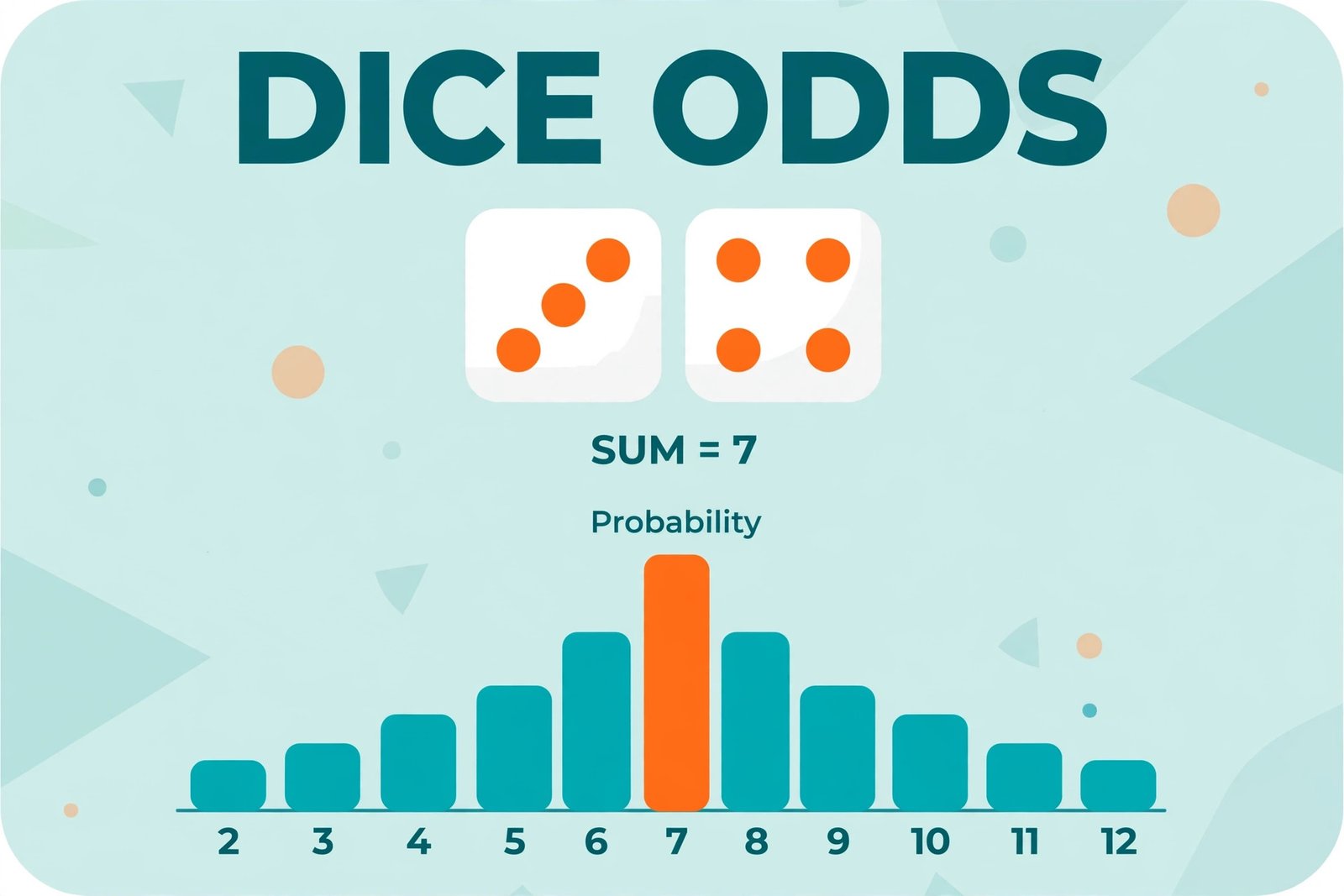
Dice Probabilities Made Simple
Learn dice probabilities the easy way: one die, two dice, why 7 is most common, and how to use the odds in board games…

How to Improve Your Typing Speed (WPM)
Learn how to improve your typing speed with home-row technique, accuracy drills, and a 2-week practice plan. Real WPM…

How to Generate Random Numbers Fairly
Learn how to generate random numbers fairly: the range formula, worked examples, no-repeat draws, and the mistakes that…
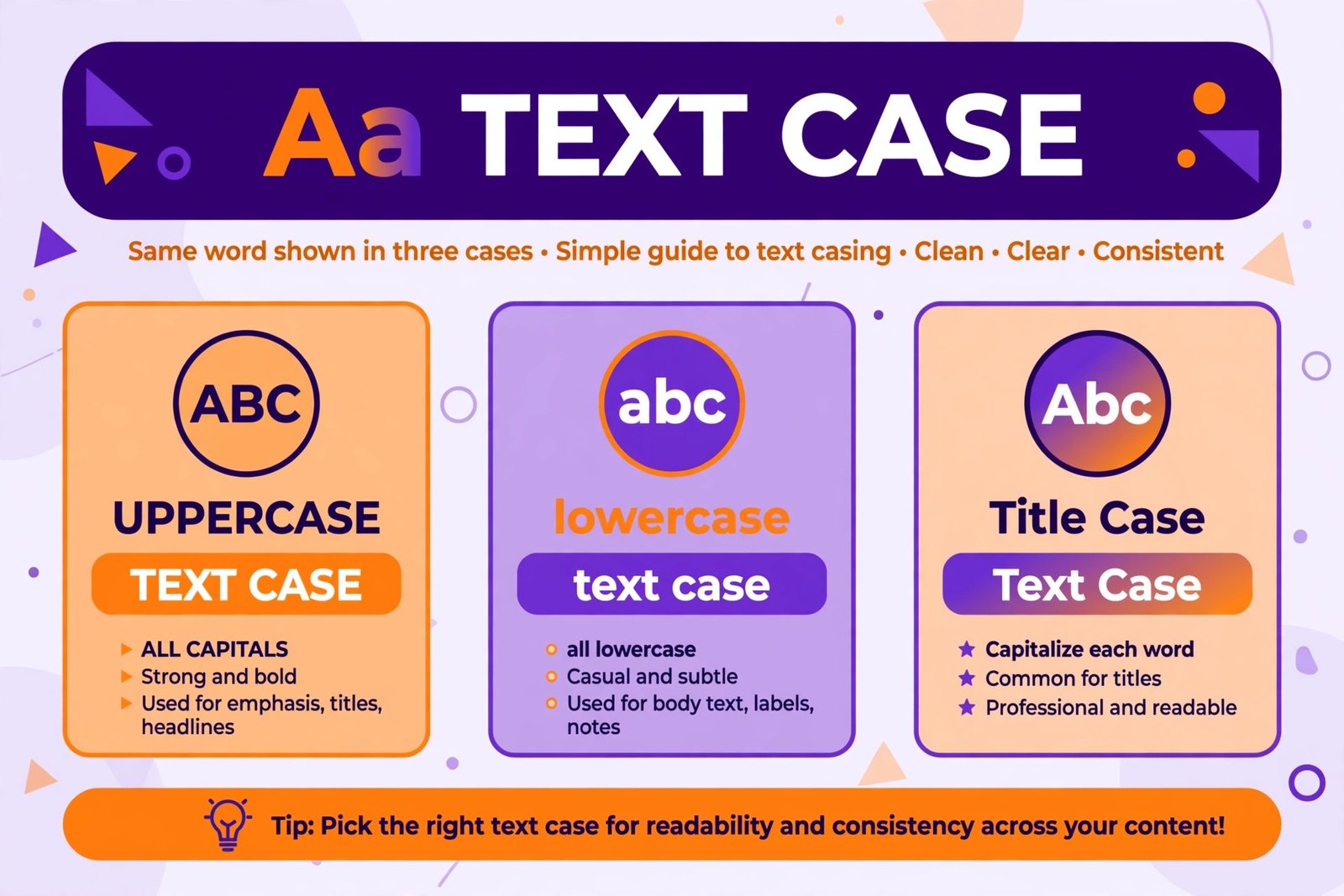
How to Change Text Case: Title Case, Sentence Case, camelCase, snake_case
Learn how to change text case: title case, sentence case, camelCase, snake_case and kebab-case, with rules, examples…